Autodesk Water Solutions: Comprehensive Tools for Water Infrastructure
What if there was a software that could revolutionize water infrastructure design? Dive into the depths of the Autodesk Water Portfolio and discover sustainable and streamlined water management!
How to Protect Your Data this Storm Season

Storm season is in full swing, but your data doesn’t have to be swept away! Businesses that rely on local servers and inadequate data solutions risk losing critical information when […]
Connected Workflows: Enscape & V-Ray
Enabling smooth collaboration and interoperability with multiple software platforms has long been a challenge in the world of architectural visualization. Until now! Chaos has introduced enhanced interoperability between Enscape and […]
How to Maximize Funding from the Bipartisan Infrastructure Deal

Passed in 2021, the Bipartisan Infrastructure Deal, or Infrastructure Investment and Jobs Act, is a massive investment in America’s infrastructure that’s creating a wave of opportunities for AEC firms. With […]
What is MYAB?

What is MYAB? MYAB, or Multi-Year Annually Billed, is a software agreement that’s similar to 3-year agreements, but instead of paying the full amount upfront, your software is billed and paid […]
Create & Use Space Planning Blocks in Revit
In the realm of architectural design, efficient space planning is crucial for creating functional and visually appealing spaces. However, manually determining appropriate areas of each space and department can be time-consuming and prone to errors. In this blog post, we will explore a streamlined workflow in Revit that leverages custom shared parameters and smart scheduling techniques to expedite the creation of architectural space plans with precision and ease.
How Different Industries Can Use Laser Scanning
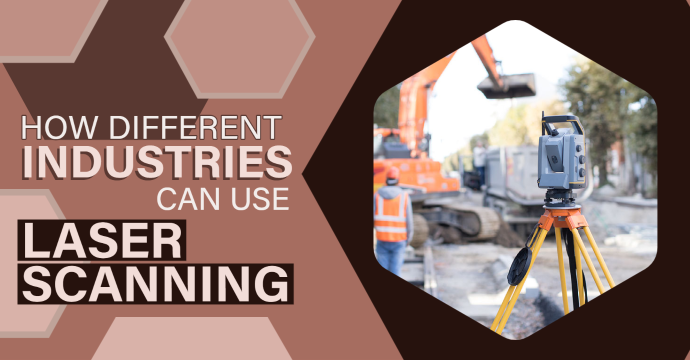
In today’s ever-changing technology landscape, laser scanning and reality capture tools have emerged as groundbreaking innovations that allow for precise and efficient data capture. While you may initially associate these tools with construction, they actually have a wide range of applications across various disciplines. From architecture and engineering to manufacturing, historical preservation and more, laser scanning offers immense versatility that can revolutionize the way professionals approach their work – and this blog will explore how!
Outsourcing MEP Production – The Good, the Bad, and the Ugly
Outsourcing production work is becoming an increasingly popular strategy for many mechanical, electrical, and plumbing (MEP) firms. While it provides many advantages such as lower financial risk, access to specialized skills, and faster project timelines, it also comes with its own set of challenges. We will review the most common advantages and challenges in this post and provide mitigation measures to overcome them.
The Super-Secret to Small Business Growth – Without Losing Your Identity

You’ve built a successful business in the AEC+ space, and now you’re ready to take it to the next level. But odds are you’ve run into an age-old catch-22:
Bluebeam Subscription Management Portal Guide
Bluebeam’s new subscription makes it easier than ever to manage licenses for end users. What used to be a tedious task of assigning users based on some old spreadsheet and logging where licenses are or paying an additional cost per license with the enterprise license is now a thing of the past. With the new Revu 21 subscription, you are provided with a management portal to move licenses around. However, you will still need to purchase a license through your reseller.