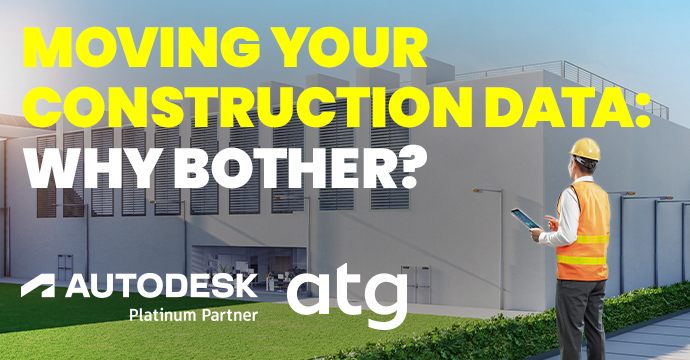
Moving Your Construction Data: Why Bother?
Stop playing hide-and-seek with your project data. Discover how migrating to a unified platform protects your firm and future projects.
Let’s be honest: When you think about your favorite activities, data migration probably ranks somewhere between a root canal and a DMV visit. Migrating all your RFIs, submittals, issues, and documents to a new platform is the last thing you want to hear about when you’re knee-deep in a project trying to figure out why the HVAC subcontractor thinks the mechanical room is on the wrong floor.
But hear me out. There’s a reason this conversation keeps coming up, and it’s not because someone in IT has too much time on their hands.
Your Data Is Already Doing Work: Is it For or Against You?
Every construction project generates an absurd amount of data: thousands of documents, RFIs, submittals, daily logs, punch lists, change orders, and drawings with revisions on top of revisions on top of, somehow, more revisions.
If your current system is a mix of SharePoint folders, an old project management tool nobody really likes, three spreadsheets, and that one superintendent’s email inbox, you’re not actually managing data; you’re playing hide-and-seek with it. And the data is winning.
Migrating that history into a modern, unified platform (i.e. Autodesk Forma) means the next time someone asks, “Did we ever resolve that RFI about the steel embed locations?” you can find the answer in under thirty seconds instead of launching a small archaeological expedition.
The Reality of Construction Projects
Construction projects never really end.
Sure, you hand over the keys, throw a ribbon-cutting, eat some surprisingly decent catered shrimp, and call it done.
But then, eighteen months later, there’s a warranty issue… A lawsuit… An owner who wants to renovate and needs the as-builts…
Suddenly you’re scrambling to produce documentation from a project that wrapped up before half your current team was even hired.
If that data lives in a system you’ve since stopped paying for, or worse, on a former PM’s laptop that was wiped clean and donated to a nephew, you have a problem. Migrating historical project data into a system you actually use means it stays accessible, searchable, and usable.
Your Old Projects Are a Goldmine…If You Can Actually Use Them
Here’s the part that doesn’t get enough airtime: migrating your historical data isn’t just about tidying up old projects so you can find that one RFI from 2021. It’s about turning a decade of hard-won project experience into something you can actually learn from.
Right now, all that history is sitting in old systems, archived drives, and retired platforms doing absolutely nothing for you. It’s the world’s most expensive filing cabinet.
When you migrate that history into a modern, structured platform, suddenly you can ask questions like, “What did our last five hospital projects average for submittal turnaround?” or “Which scopes generate the most RFIs?” and actually get answers.
Migrating your history now means your past projects start working for your future ones, instead of just collecting digital dust.
The Bottom Line
Migrating construction data isn’t glamorous, but it pays off in the form of fewer hours wasted, fewer disputes, and smoother handoff between projects and teams.
The real question isn’t whether you can afford to migrate it; it’s whether you can afford to keep treating a decade of project knowledge like those old boxes in your garage you keep swearing you’ll go through “this weekend.”
How ATG Can Help
Your data is your most valuable asset, and our team understands the importance of keeping it clean and accessible. That’s why we offer a simple, one-way migration service to help your firm make the move from Procore to Autodesk Forma.
Our migrator service includes moving all your RFIs, Submittals, Locations, Users, Companies, Issues, and Files from your existing Procore environment to Autodesk Forma. By migrating objects via APIs, we ensure no data is lost and that all attachments, documents, and fields are retained.